

What it does
Everything LTFI does for a business
Every skill is visible in every plan, and your team can run any of them by hand. Automation adds schedules and hands-off runs.
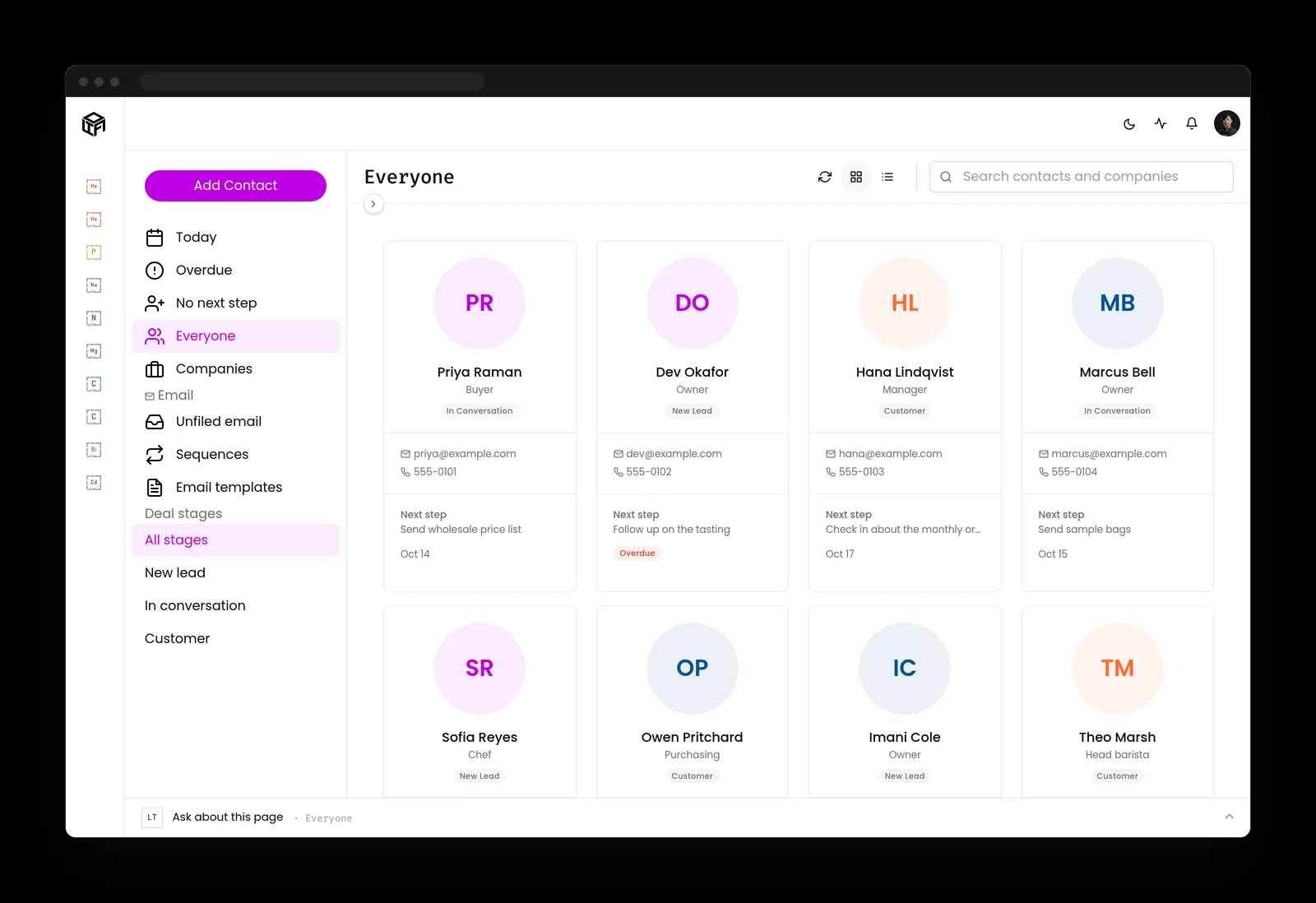
Customers and sales
Contacts with their next step, deal stages, overdue markers and the mail that is waiting on a reply.
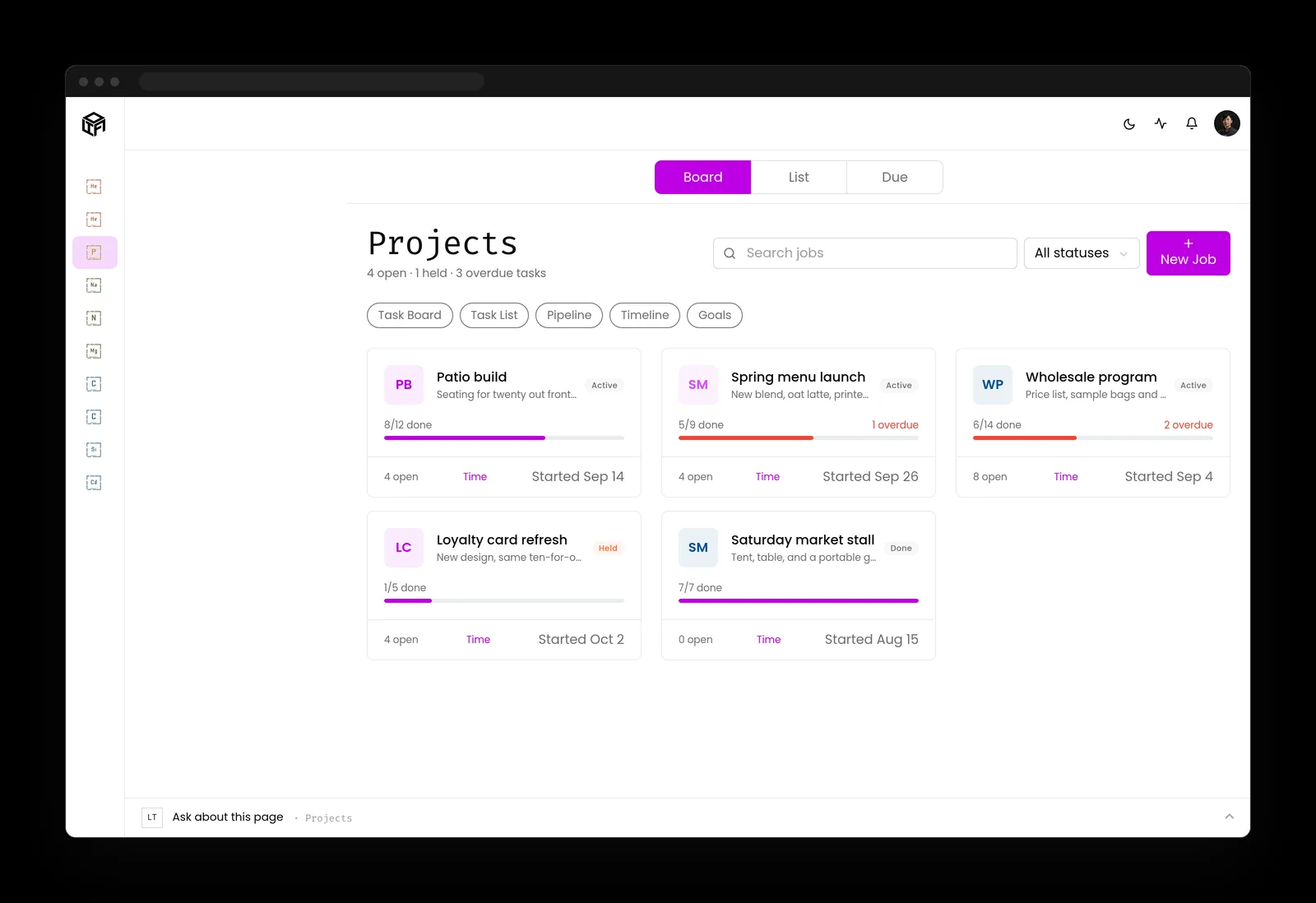
Projects
One board for every job, with progress, open tasks and what is late.
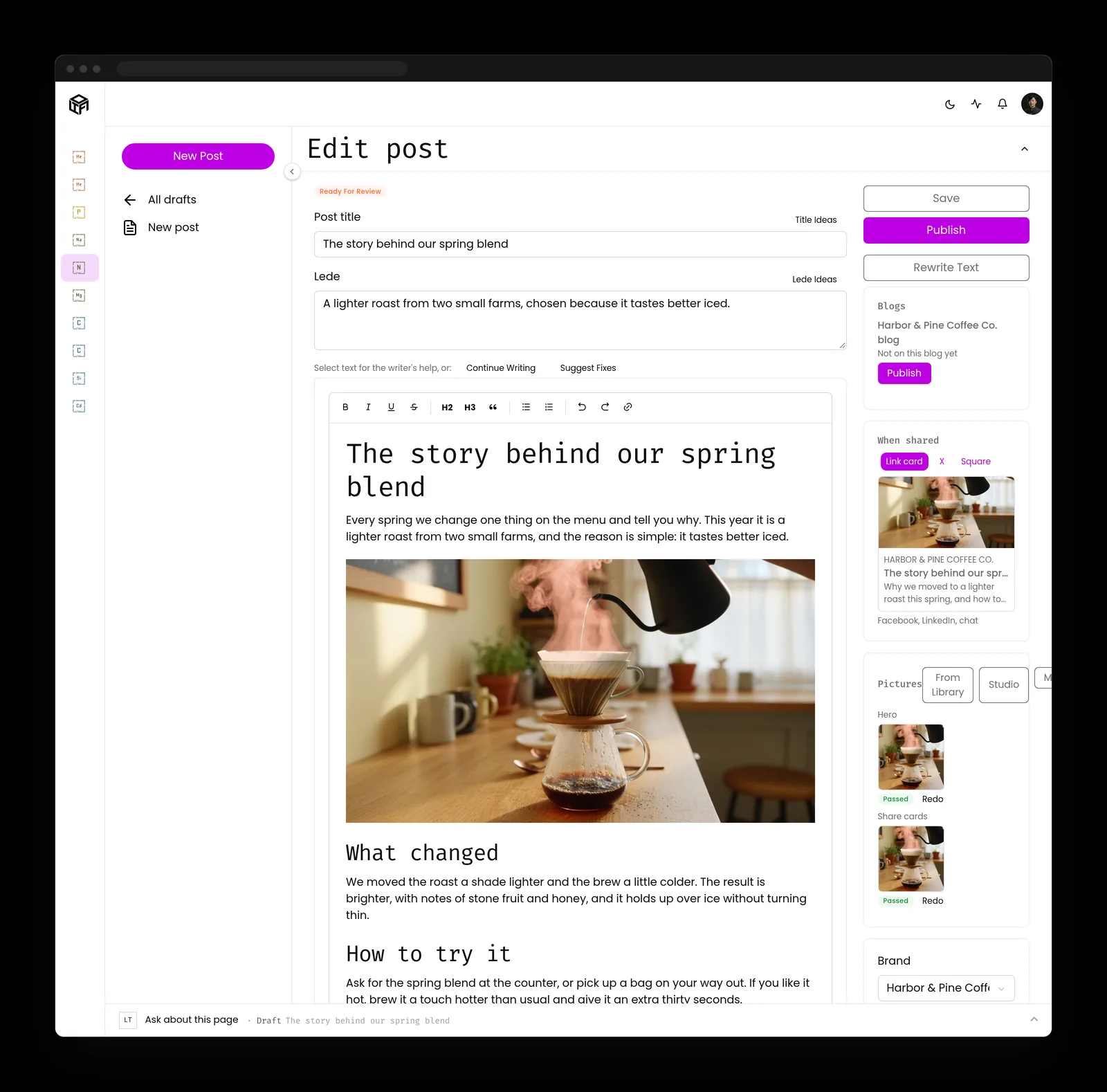
Content
Articles drafted in your voice with pictures and share cards made, ready for a person to read and publish.
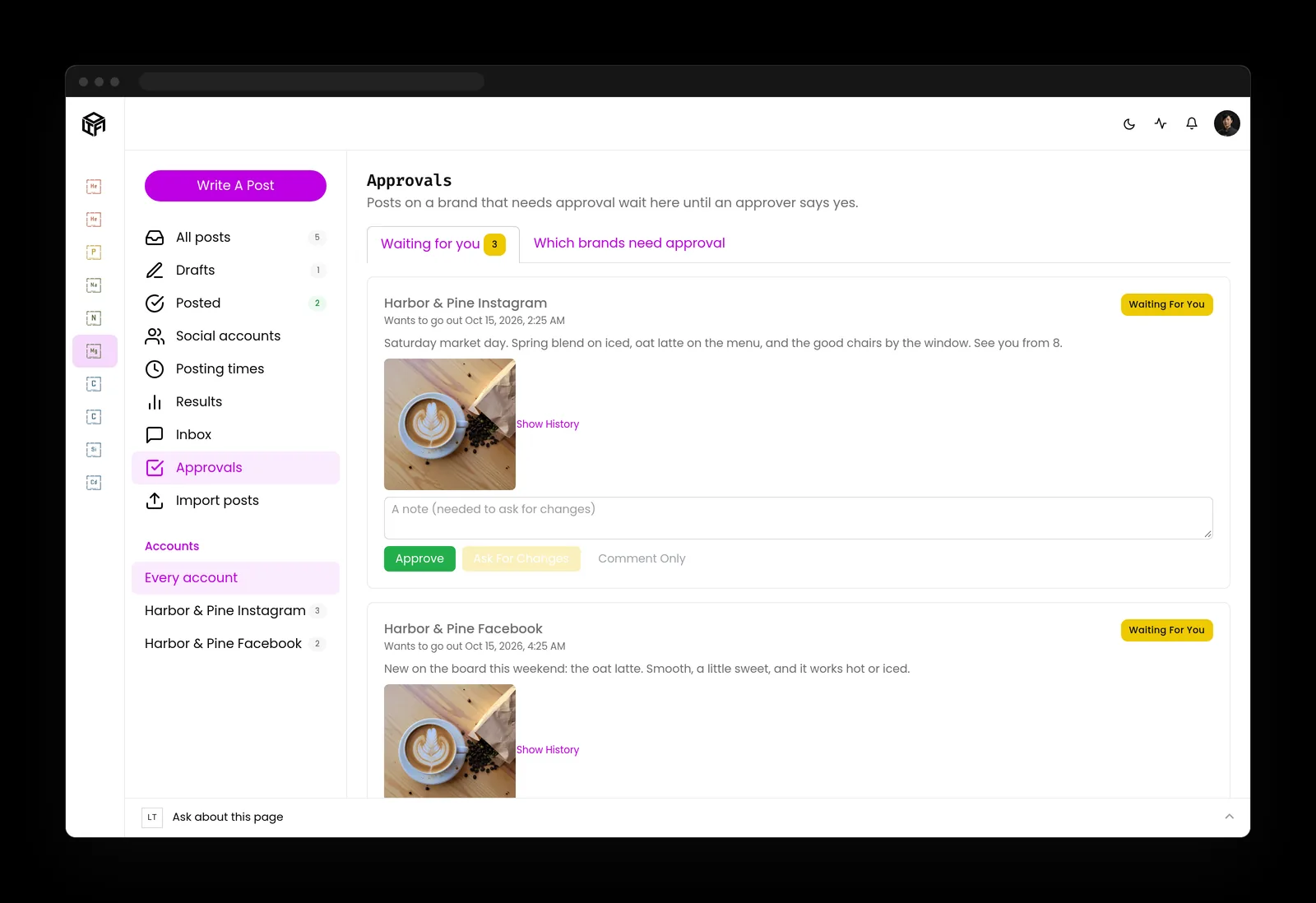
Social posts
Scheduled posts with the picture, the words and the time in view, waiting for an approver.
Your sites
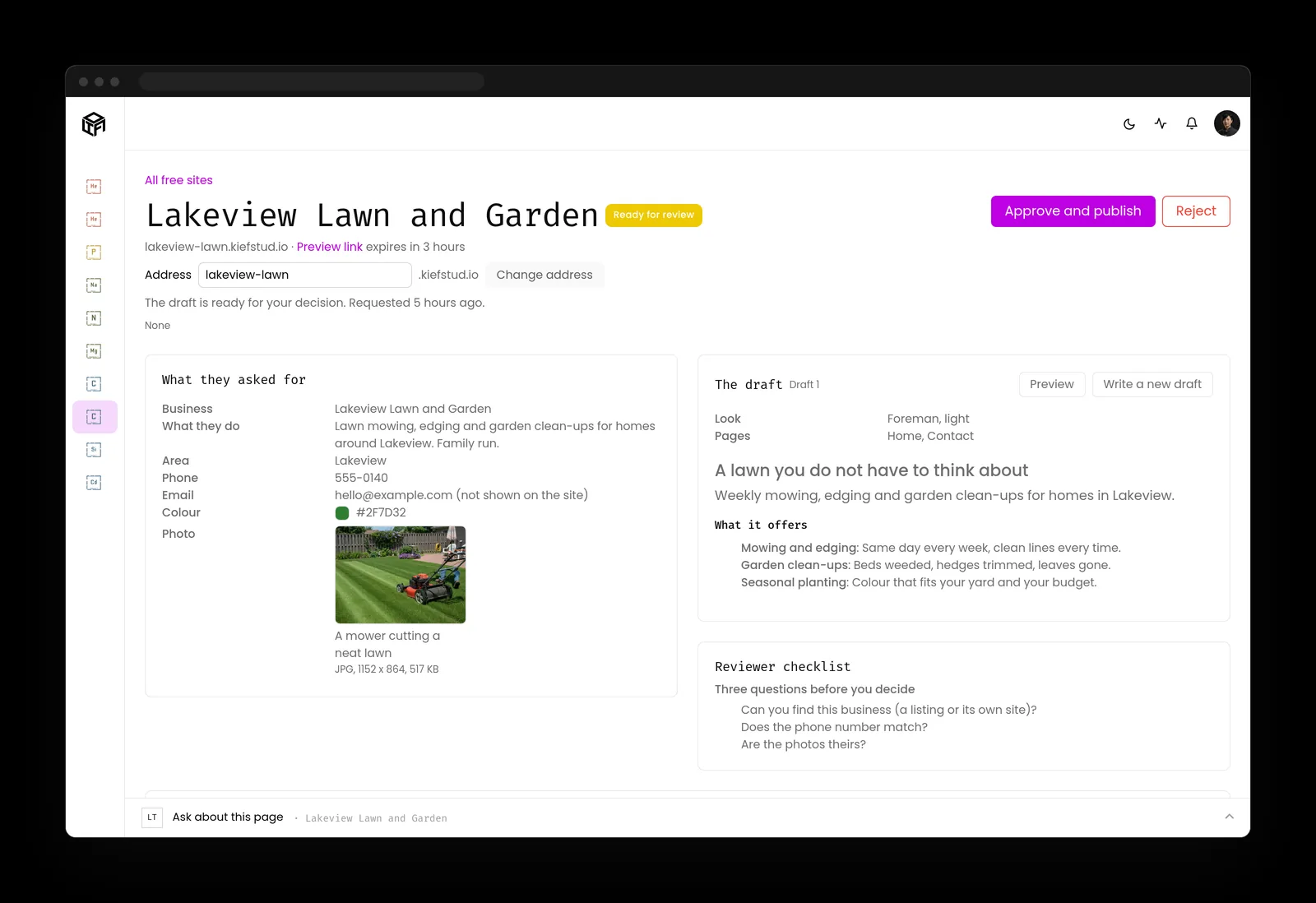
Your website and the pages on it, published from the same system after a person approves them.
AI staff
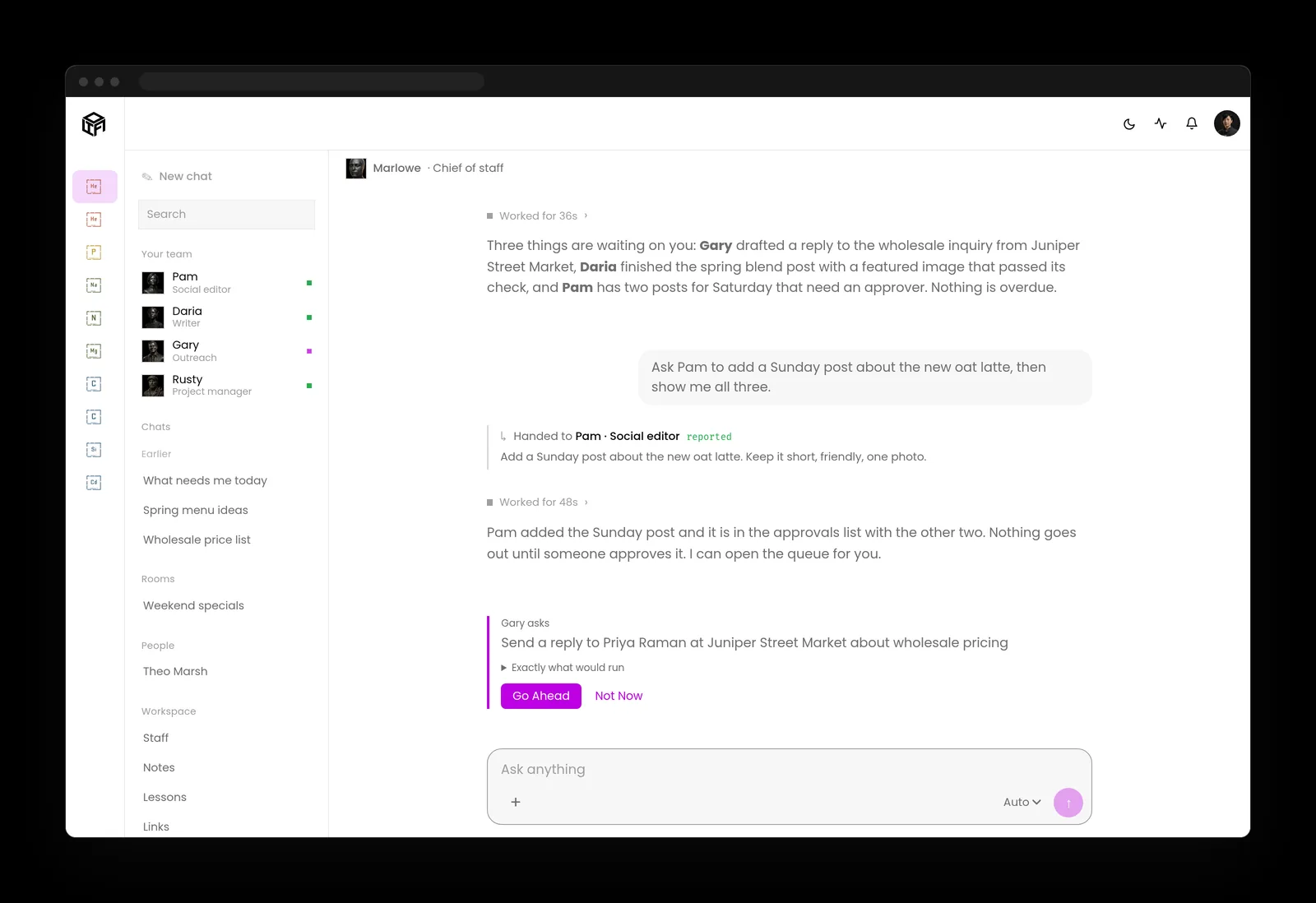
AI teammates who each own a job, like the social editor. You talk to the chief of staff, and it hands the work out and reports back.
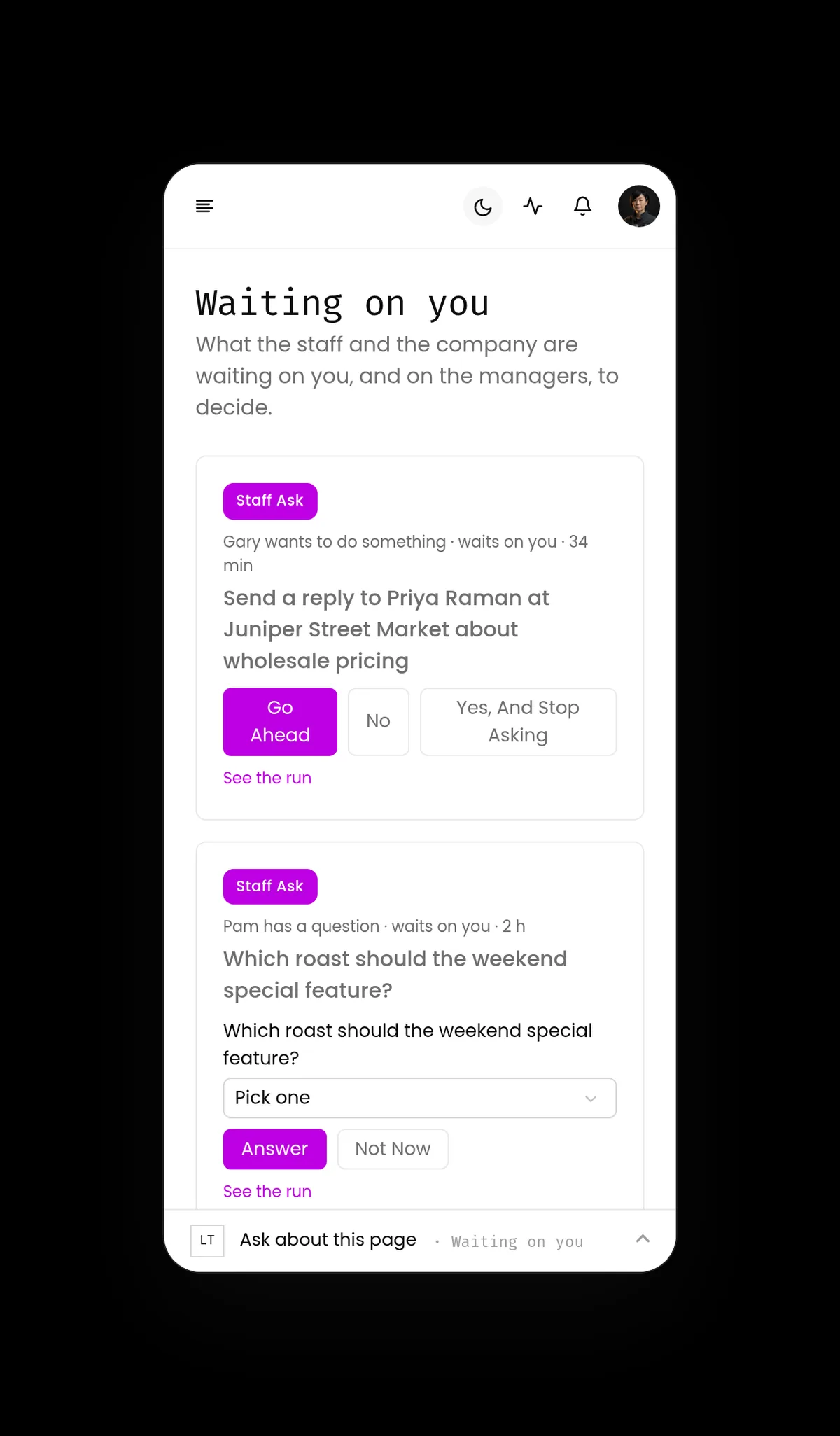
Approvals
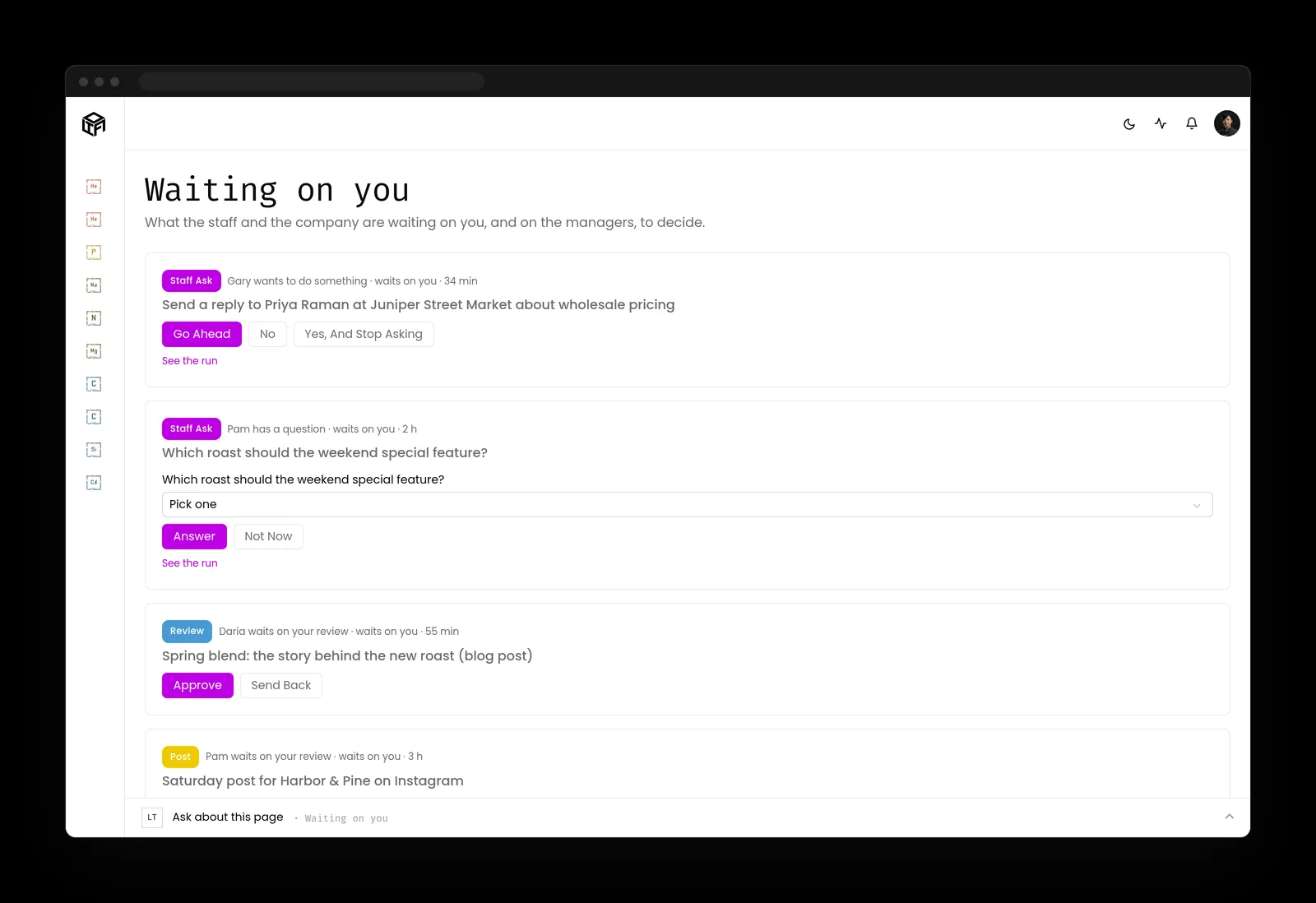
Anything that sends, posts, publishes or spends lands in one queue for the person who owns it. Standing approvals are yours to give and take back.
The activity log
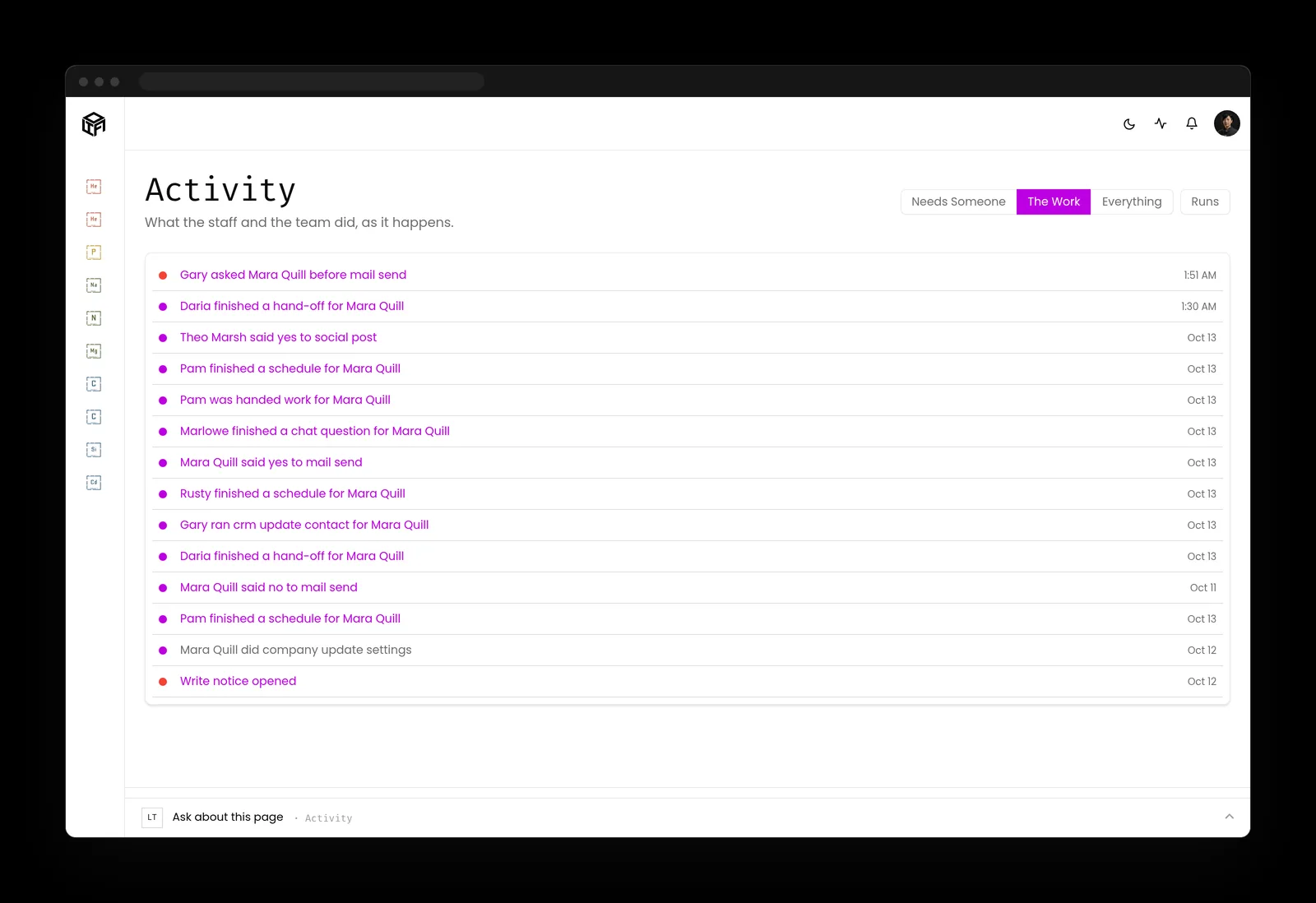
Every action by the staff and the team, in plain words, newest first.
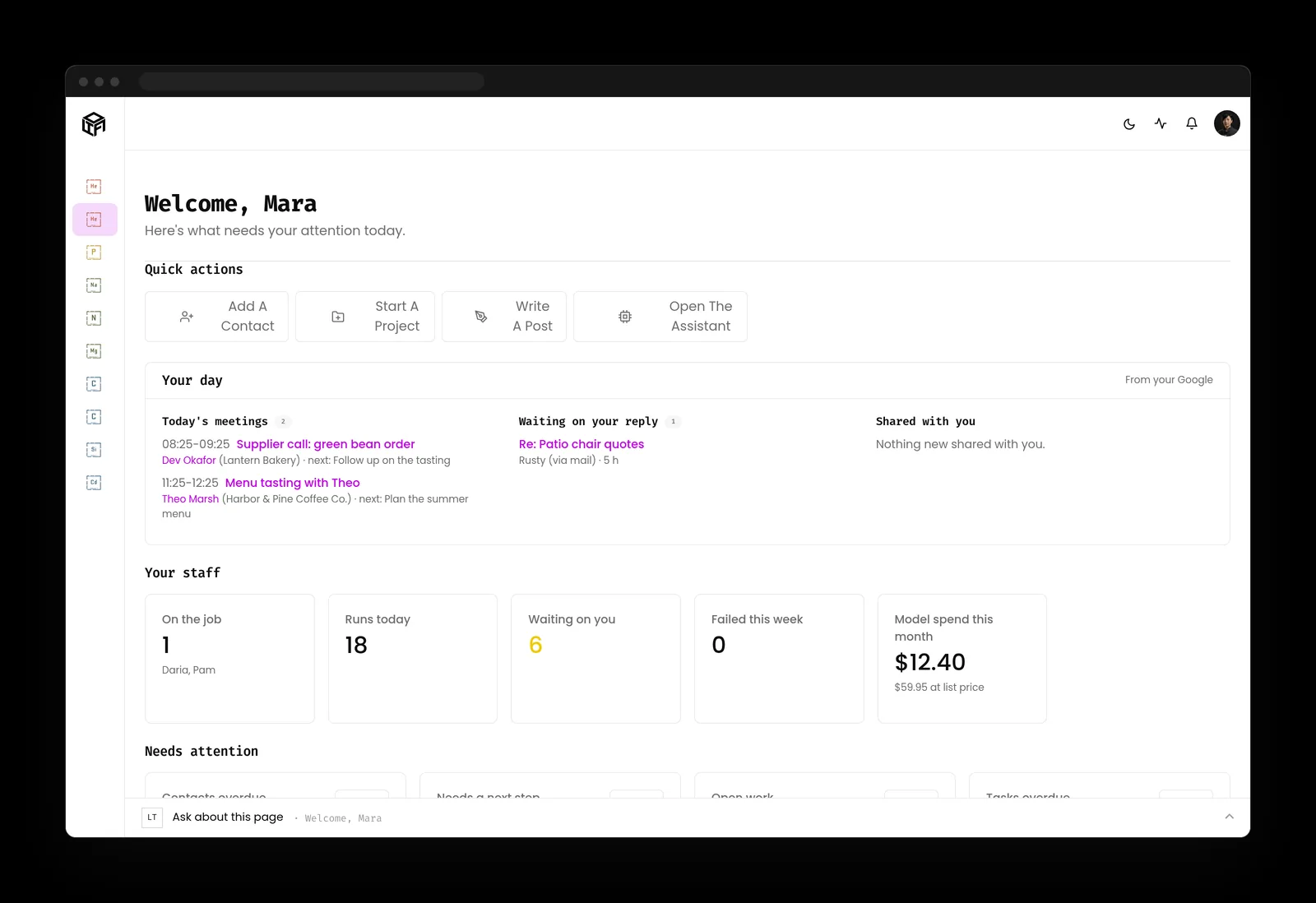
Your day
The calendar, the mail waiting on a reply, and what the staff are doing, on one home screen.
Security
A dedicated server for your company, managed, patched and watched by us. Rules, permissions, credentials, deleting and money stay with people.
Your own AI keys
Your AI runs on keys you own, under your contract with the AI company. They bill you at cost, and spend caps keep the bill where you set it.
On a phone
The same menu, the same queue and the same approvals, one tap away.
Integrations
The tools your business already pays for, connected to the same system.
How it's packaged
Base plan
Every skill visible, and any of them run by hand.
Automation
One flat-rate add-on for schedules, triggers and hands-off runs. Never priced per automation.
Custom workflows
Workflows written for the work only your company does.
Support

Free site check
See what your site shows the world
Type your domain and work email. LTFI checks the security certificate, the headers, search basics, the mail records and the speed, and gives you a plain grade with what to fix first. Nothing to install.
Most MSPs are resellers. Kief Studio is the manufacturer.
A reseller sends your problem to the company that made the software. We are that company: we build LTFI and run it, so the people you talk to can change it. Book a walkthrough and see it on your own business.