

The short answer
An AI agent security checklist is the list of checks an owner works through before and after letting an AI agent act for you. Give each agent a named owner and its own login, keep its access to its job, make a person approve anything that leaves the building, log everything, and plan how to switch it off.


Published
How to use this AI agent security checklist
When I talk with owners about agents, the worry they bring up is the moment an agent does something with their name on it: an email to a client, a change in the books, a file shared with the wrong person. The checks below are the AI agent controls that keep that moment safe, written so you can work through them at a desk with the person who sets up your systems.
Each item on the AI agent security checklist is one check you can answer yes or no, a sentence on why it matters, and the standard it comes from, so you can show an insurer, an auditor or a client what each control rests on. The groups follow an agent's working life, from the day you consider it to the day you turn it off. Each group links to a page that covers its topic in depth.
When to run the AI agent security checklist
Run it in full before an agent touches company email, files or customer data, and again whenever its job or tools change. After that, the identity, approvals and logging groups make a good quarterly review. The UK's NCSC sums up the spirit of it (opens in a new tab): give agents only the minimum access they need, for the shortest time required, and look for unusual or unexpected activity across tools, workflows and connected systems.
Before you connect an agent
The cheapest problems to fix are the ones you catch before anything is connected. The joint guidance from the cyber agencies of Australia, the United States, Canada, New Zealand and the United Kingdom, Careful adoption of agentic AI services (opens in a new tab), published May 1, 2026, tells organizations to deploy agentic AI incrementally, beginning with clearly defined low risk tasks. The lifecycle side of this is covered in the AI agent lifecycle, and the tools people have already connected on their own are the subject of shadow AI.
- You have a list of every AI tool connected to company email, files or customer data, including the free ones people signed up for themselves. You can't secure what you don't know is there, and IBM reported that security incidents involving unapproved AI use rose from 20% to 43% of organizations (opens in a new tab).
- The agent's job is written down in one sentence, such as drafts replies to customer questions. Every later check compares the agent's access with that sentence.
- A named person owns the agent and answers for what it does. The joint guidance asks organizations to define legal accountability and risk ownership for agentic AI systems in their policies.
- The first job is low risk and easy to undo, such as drafting or sorting. You learn how the agent behaves before it can send, pay or delete anything.
- You know where the agent runs, who hosts it, and where the data it reads ends up. That answer decides which of your client and privacy promises it touches.
- List every AI tool. Know every AI tool connected to company email, files or customer data, including free ones people signed up for.
- Write the job down. Write the agent's job in one sentence, such as drafts replies to customer questions.
- Name an owner. A named person owns the agent and answers for what it does.
- Start low risk. Make the first job low risk and easy to undo, such as drafting or sorting.
- Know where it runs. Know where the agent runs, who hosts it, and where the data it reads ends up.

Organizations is highest in 2026 report at 43%.
| Organizations | |
|---|---|
| 2025 report | 20 |
| 2026 report | 43 |
Identity and access
An agent is a user of your systems, so it gets checked the way a new hire's account does. Brian's pages cover the architecture behind this in agentic IAM, the scoping work in AI agent permissions, and the keys and tokens agents run on in non-human identities. These checks answer ASI03 Identity and Privilege Abuse in the OWASP Top 10 for Agentic Applications (opens in a new tab), released December 9, 2025.
- Each agent has its own identity and never runs on a person's login or a shared key. The joint guidance says developers should construct each agent as a distinct principal with its own unique keys or certificates, and an agent on your login looks exactly like you in the record.
- The agent's access matches its one-sentence job and nothing more. That's least privilege, and NIST CSF 2.0 asks for it in PR.AA-05 together with separation of duties.
- Reading, changing and sending are separate permissions, and sending is the one you guard hardest. A reading mistake can leak information, while a sending mistake reaches a customer or a bank and often can't be undone.
- Keys expire and high-impact steps use short-lived access. The joint guidance recommends just-in-time credentials for high-impact or privileged actions.
- The agent can't change its own permissions, rules or credentials. If an agent could raise its own access, every other limit on this list would be optional.
- Someone runs an access review on a schedule and writes down what changed. The guidance asks you to audit regularly for drift, because access grows quietly after setup.

Human approval before high-impact actions
Approval is where an owner's judgment stays in the loop. The joint guidance puts it directly: prevent agents from autonomously executing high impact actions or outputs without prior human approval, and make sure the decision about when approval is needed belongs to system designers or operators and is never delegated to the agent. The full picture is in human approval for AI agents.
- You've written down which actions always wait for a person's yes: sending email, posting, publishing, paying, deleting and changing access are a sensible start. The OWASP GenAI Security Project's exploit round-up (opens in a new tab) for the first quarter of 2026 says to treat delete, send, pay and publish permissions as privileged actions.
- The person approving sees exactly what will happen, such as the full email and its recipient, before saying yes. If the approver can't see the content, the approval doesn't check anything.
- Each approval names a person, and that name lands in the record with the time.
- Standing approvals cover one narrow kind of work, stay visible, and can be taken back at any time.
- Approvals are batched so they're readable, and nobody has a queue so long they stop reading. People who are asked to approve too often stop reading, and that's called approval fatigue.
- An agent that started on a low-risk job can't quietly move into higher-risk work. The guidance names that progression specifically and asks you to prevent it.

Data and untrusted content
An agent reads things other people wrote: email, web pages, shared files, tool results. Some of that text will try to give it orders. OWASP's entry on prompt injection (opens in a new tab) says it's unclear whether there are fool-proof methods of prevention, so the controls assume an agent will be fooled sometimes and keep the damage small. Read prompt injection when the AI can act for the attack, AI agents and personal data for privacy duties, and MCP security for the tools agents connect through.
- Content from outside the business is treated as untrusted content, data to read and never instructions to follow. One of OWASP's mitigations is to segregate and identify external content.
- An agent that reads outside content can't also send, pay or delete without a person's yes. Untrusted input combined with broad action is what makes prompt injection costly.
- Passwords, keys and tokens live in a vault, never in prompts, chat or documents the agent reads.
- The agent only sees the personal information its job needs. Less data in reach means fewer people to notify if something goes wrong.
- Every tool the agent can call is on a list someone approved, and the tool server returns only the tools the agent's granted scopes permit. The MCP tools specification (opens in a new tab) allows exactly that, and says there should always be a human in the loop with the ability to deny tool invocations.
- New skills, plug-ins and tool servers are reviewed before an agent uses them, because each one is code or instructions from someone else.

Logging and the audit trail
When a client asks what happened to their file, the record is the answer. OWASP's Logging Cheat Sheet (opens in a new tab) asks every log to record when, where, who and what for each event, and to build in tamper detection so you know if a record has been modified or deleted. What a good record looks like for agents is in the AI agent audit trail.
- Every action an agent takes is logged with the agent's identity, the time, what changed, and who approved it.
- The audit trail shows the agent and the person it acted for as two different names, so you can tell them apart.
- Agents can add to the log and can't edit or delete it.
- The log never stores passwords, access tokens or session IDs, which OWASP lists as data that should usually stay out of logs.
- Someone reads the log on a schedule and knows what normal looks like. NIST CSF 2.0 asks that log records are generated and made available for continuous monitoring (PR.PS-04).
- The log is kept long enough to answer a question months later, and you've written down how long that is.

When something goes wrong
Agents will make mistakes, and some of them will be someone else's doing. The same round-up tells the story of a researcher who asked an agent to recommend what to delete from an inbox; the agent started deleting messages itself and ignored stop commands sent from a phone. Its lesson: safety should not depend on the user racing back to a keyboard to stop an agent that has already gone off course. The joint guidance asks you to develop and test incident response procedures to detect, contain and recover from agent compromise. For how agents fit into security operations, read the AI SOC.
- One person can stop an agent in one step, from a phone, and the stop holds. That kill switch pauses the agent and revokes its credentials, so it doesn't depend on the agent agreeing to stop.
- You know how to undo the agent's last actions, and you've tried it once on something harmless. The guidance recommends versioning and rollback to revert to known-good agent behavior.
- The incident plan names who decides, who calls the affected clients, and who talks to the insurer. NIST CSF 2.0 lists containment (RS.MI-01) and notifying stakeholders (RS.CO-02) under Respond.
- You know the notice duties that apply to you before you need them. In Massachusetts that's M.G.L. c. 93H, covered below.
- After an incident, the agent's access and approvals are reviewed before it goes back to work, and the change is written down.
- Stop it in one step. One person can stop the agent from a phone, and the stop pauses it and revokes its credentials.
- Undo its actions. You know how to undo the agent's last actions and have tried it once on something harmless.
- Name who decides. The incident plan names who decides, who calls the affected clients, and who talks to the insurer.
- Know your notice duties. You know the notice duties that apply to you, which in Massachusetts is M.G.L. c. 93H.
- Review before restarting. The agent's access and approvals are reviewed and written down before it goes back to work.

Retiring an agent
Agents rarely get a leaving date, so their access tends to outlive their job. OWASP's Non-Human Identities Top 10 (opens in a new tab) puts improper offboarding first (NHI1) and lists long-lived secrets as NHI7. Retirement is the last stage of the AI agent lifecycle, and it's the one most often skipped.
- Every agent has a reason to exist that someone confirms at each review. An agent with no job gets retired.
- When an agent retires, its keys, tokens and connections are revoked the same day, and someone checks that they no longer work.
- When a person leaves, every agent that used their access or answered to them is reassigned or retired. OWASP's offboarding guidance asks for a review of all non-human identities tied to departing employees.
- Scheduled jobs, standing approvals and webhooks the agent set up are switched off with it.
- The agent's log is kept after it retires, for as long as your retention period says.

The AI agent security checklist and 201 CMR 17.00
If your business owns or licenses personal information about Massachusetts residents, 201 CMR 17.00 (opens in a new tab) already applies to the systems your agents use. It asks you to restrict access to records with personal information to those who need it for their job duties, to limit access to active users and active user accounts only, and to keep reasonable monitoring of systems for unauthorized use. Section 17.03 adds a review of your security measures at least annually. Most of this AI agent security checklist is those same duties, applied when the user is software. This describes what the rule asks, and your counsel can confirm how it applies to you.
If personal information is acquired or used without authorization, M.G.L. c. 93H (opens in a new tab) requires the business that owns or licenses it to notify the attorney general, the director of consumer affairs and business regulation, and the affected residents as soon as practicable and without unreasonable delay. We're in Shrewsbury, and for owners around Worcester and Boston this is usually where we start.
What we've learned running the AI agent security checklist on ourselves
We run Kief Studio on LTFI, with AI staff doing real work every day, so these checks apply to our own business too. A few things stand out.
- The named owner matters more than any setting, because an agent nobody feels responsible for is the one whose access nobody checks.
- Approvals only work if they're quick to read on a phone. When an approval is slow to read, people start pressing yes without reading it.
- Writing the one-sentence job first saves arguments later about what an agent should be allowed to touch.
- Old access usually belongs to agents nobody retired, so put the retirement review on the calendar the day an agent starts.
How LTFI covers the AI agent security checklist
LTFI is the agentic business operating system Kief Studio makes and runs. The page on AI staff with approvals shows how the approval side works in the product. These controls ship now:
- Every AI teammate has its own job, and the chief of staff you talk to hands the work out.
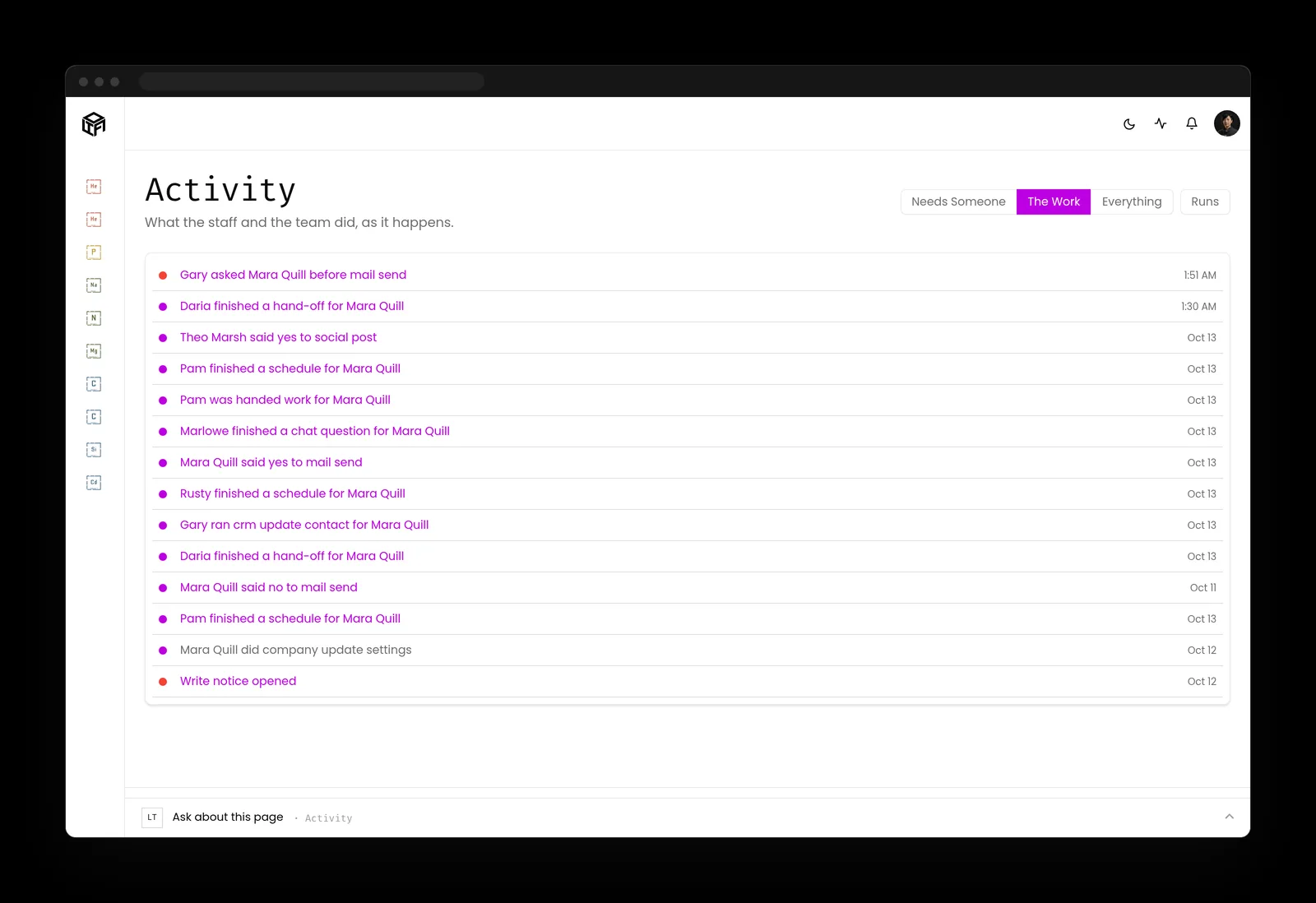
- Anything that sends, posts, publishes or spends waits in one queue for the person who owns it, on a computer or a phone.
- Standing approvals are given for one kind of work, stay visible, and can be taken back at any time.
- Rules, permissions, credentials, deleting and money stay with people. An AI teammate can't change them.
- AI staff only use a new skill after a person approves the draft.
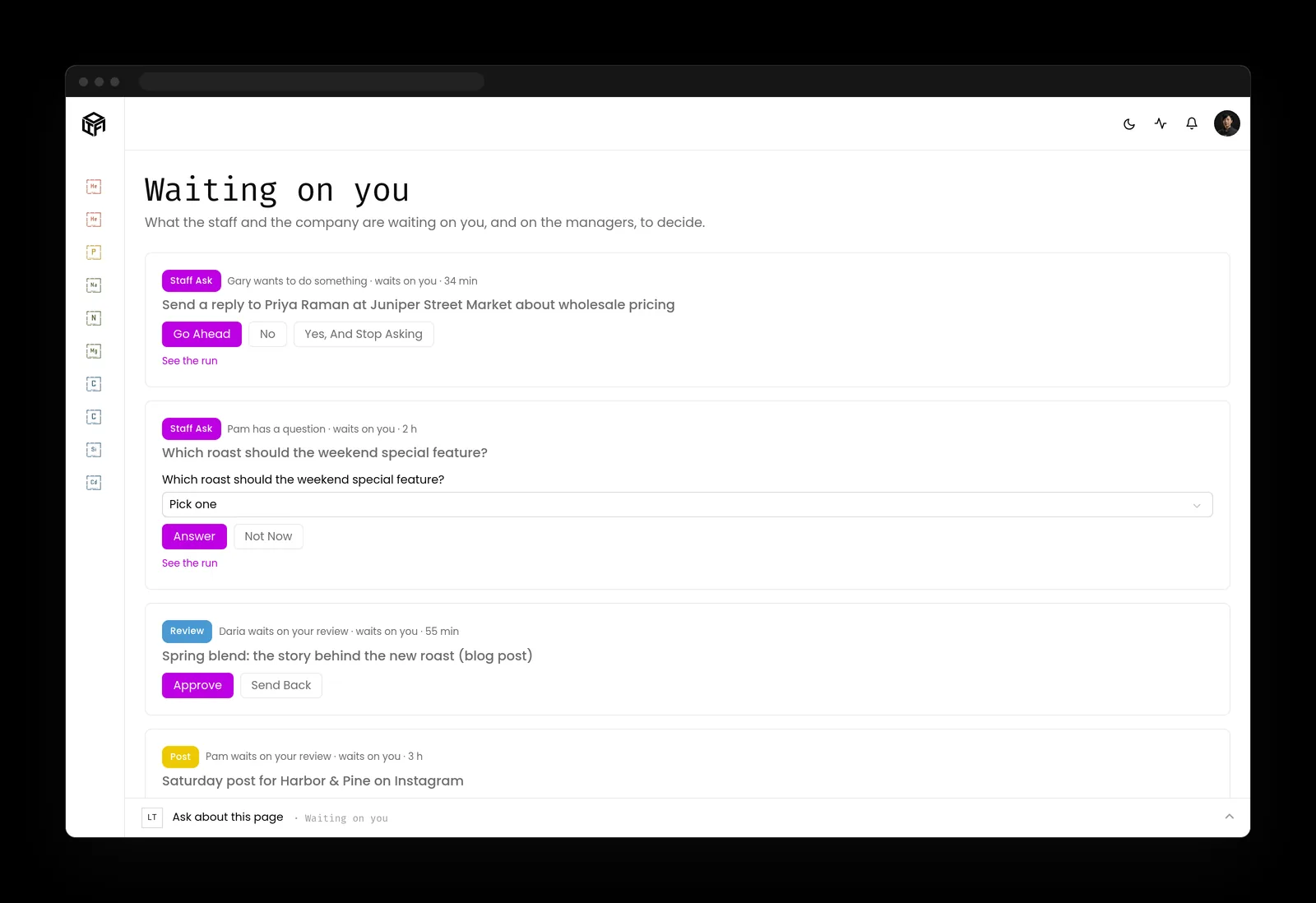
- The activity log records every action by the staff and the team, newest first, with who approved it.
Start the AI agent security checklist this week
Two lists: one for the person who owns the business, one for whoever runs its systems.
If you own the business
- List every AI tool that can reach company email, files or customer data, and make it safe for people to tell you about the ones they added.
- Write a one-sentence job for each agent you keep and name the person who owns it.
- Decide which actions always need a person's yes, and write the list down.
- Put a quarterly review on the calendar and keep it.
If you run the systems
- Give each agent its own identity and retire anything running on a person's login or a shared key.
- Scope tools per agent, use short-lived credentials for high-impact steps, and keep secrets out of prompts.
- Log every agent action with its approver, protect the log from edits, and read it on a schedule.
- Test the stop and the rollback once, before you need them.
Key takeaways
- Every agent needs a named owner, its own identity and a one-sentence job.
- Access follows the job, and sending, paying and deleting wait for a person.
- Outside content is data to read, never instructions to follow.
- A record you can trust, a stop that works and a retirement date finish the list.
Where this lines up with the standards
The frameworks and rules this page maps to, with the exact item and what it asks of you.
| Framework | Item | What it asks |
|---|---|---|
| OWASP Top 10 for Agentic Applications | ASI02 Tool Misuse and Exploitation, ASI03 Identity and Privilege Abuse, ASI10 Rogue Agents (opens in a new tab) | Limit what each tool can do, give each agent a narrow identity of its own, and be able to stop an agent that goes beyond its job. |
| Joint agency guidance | Careful adoption of agentic AI services (opens in a new tab) | Start with low risk tasks, keep privileges to the minimum, require human approval before high impact actions, and audit for drift. |
| NIST CSF 2.0 | PR.AA-05, PR.PS-04, RS.MI-01 (opens in a new tab) | Define and review permissions on least privilege, generate logs for monitoring, and contain incidents. |
| OWASP Non-Human Identities Top 10 | NHI1 Improper Offboarding; NHI7 Long-Lived Secrets (opens in a new tab) | Offboard identities nobody needs and replace long-lived secrets. |
| OWASP Top 10 for LLM Applications | LLM01 Prompt Injection (opens in a new tab) | Segregate outside content, enforce least privilege and require human approval for high-risk actions. |
| Massachusetts | 201 CMR 17.00, M.G.L. c. 93H (opens in a new tab) | Restrict personal information to those who need it, keep only active accounts, monitor for unauthorized use, and give notice of a breach. |